Add an organization
To add an organization, navigate to Organizations and click on the Create organization button.
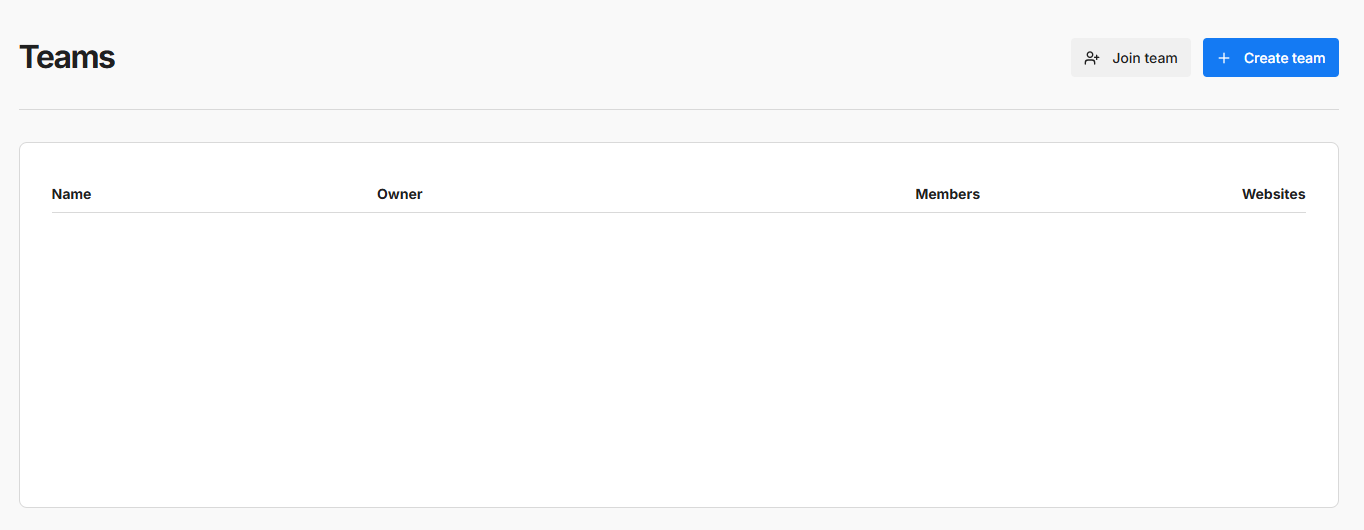
Fill out the form and click Save.

Add a website
Under Websites, click on the Add website button. Fill out the form details and click Save. See Add a website for more details.
Invite members
Under Members, click on the Invite member button. Fill out the form details and click Save. Wait for the user to accept the invite via email.