Manage an organization
Depending on your role, you can edit the organization settings and manage members.
Navigate to Organizations and click on the Edit button next to the organization. Alternatively, click on the Settings tab within the organization's dashboard.
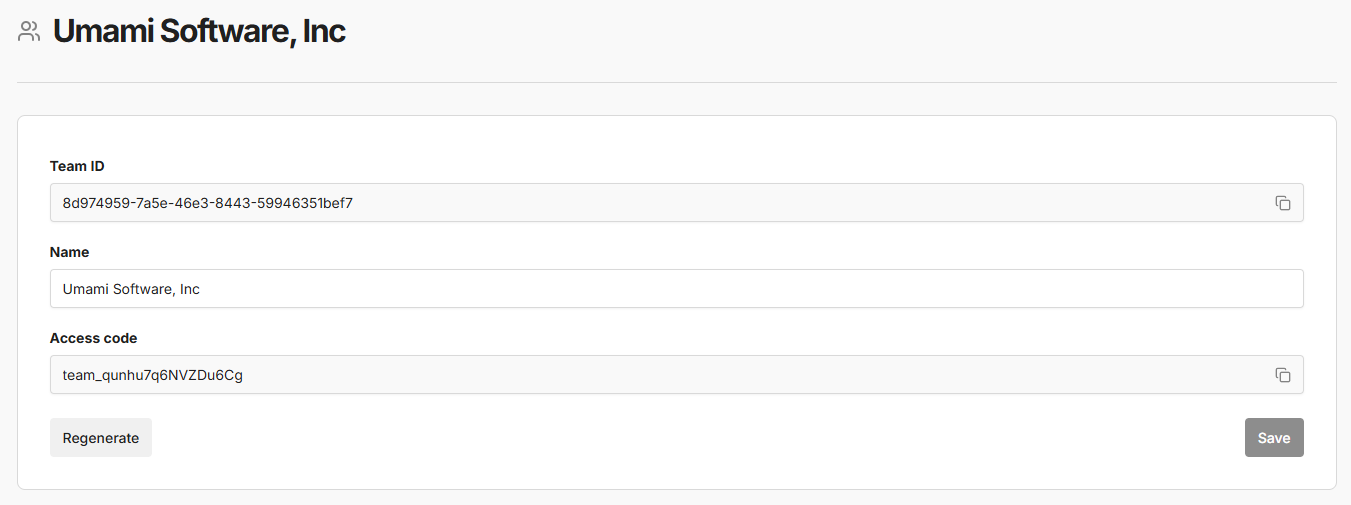
Details
You can change the organization name under the Details tab.
Members
To invite a new member to your organization, click on the Invite member button under the Members tab.
When you invite a member, you must assign them a role:
- Organization Owner
- Organization Manager
- Organization Member
- View Only
Websites
To add a website to the organization, click on the Add website button under the Websites tab.
All organization members will automatically have access to view analytics for the added websites based on their organization role.