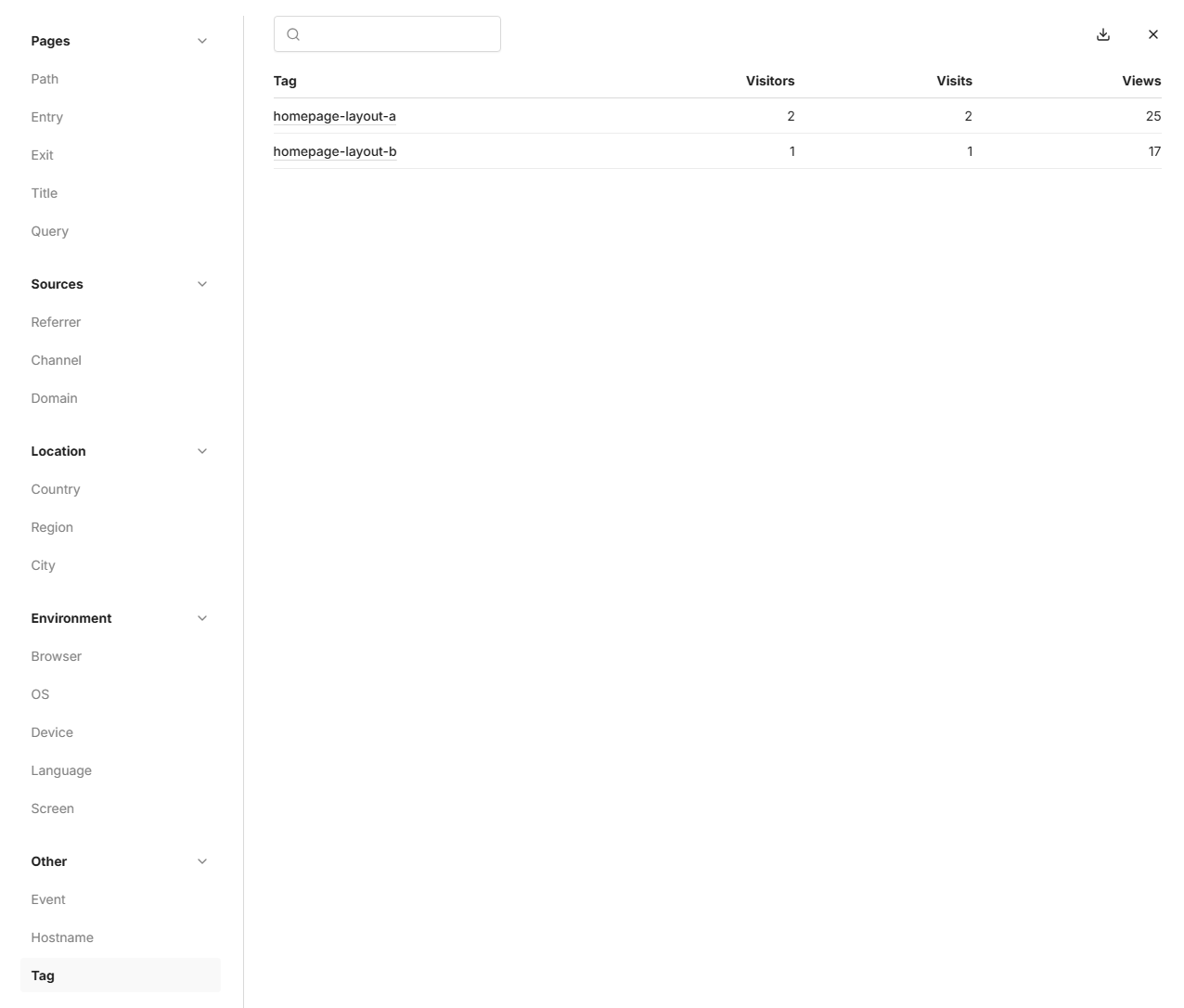
Tags
Use Vision tags to group events under a single website, gather data, and enable various functionalities.
Use Cases
- A/B Testing: Test different versions of a webpage or campaign to see which performs better.
- Group events to allow filtering and insights under a single website overview.
Usage
Add the data-tag attribute to the tracking script. This will include the tag column in the payload.
<script
  defer
  src="NEXT_PUBLIC_TRACKER_URL/script.js"
  data-project-id="your-project-id"
  data-tag="homepage-layout-a"
></script>
You can reuse the tracking script for different parts of your website, introducing additional tags.
<script
  defer
  src="NEXT_PUBLIC_TRACKER_URL/script.js"
  data-project-id="your-project-id"
  data-tag="homepage-layout-b"
></script>
Filtering
From the website Overview you can filter on specific tags.
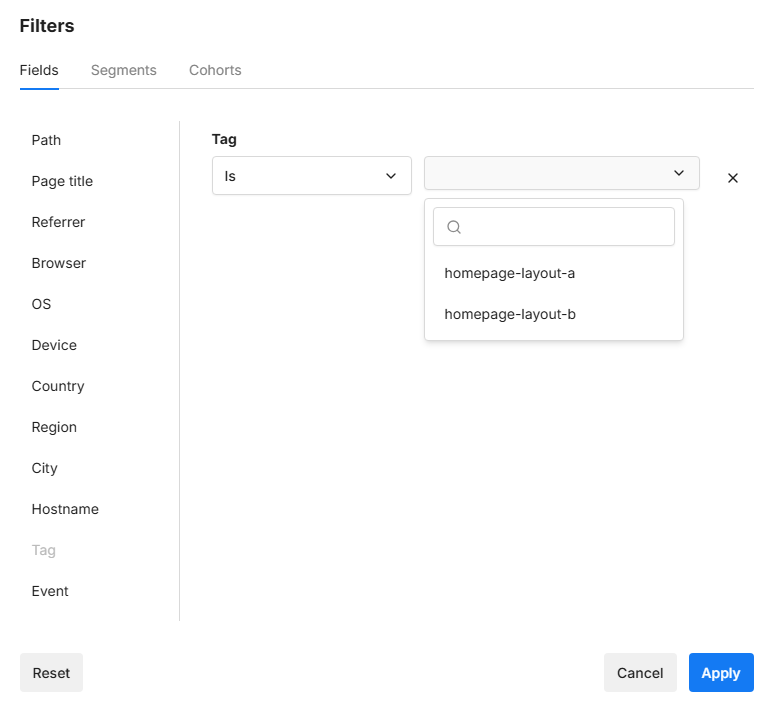
A pageview breakdown can also be seen by clicking More from any of the metric cards.